Bug/Feature with backgrounds

Posted by Worstje on Fri 12 Sep 2008 03:18 AM — 5 posts, 13,265 views.

Netherlands #0
The background color is not drawn at all, causing black text to be drawn transparently. Sometimes it might be what you'd want (black on black - not drawing anything is 'faster'), but in the case of backgrounds being used you might actually see text where the blackness goes. As such, can the drawing be adjusted to actually draw text with the ansi color that is used as background? Either that or add a toggle that will allow one to turn that on and off in turn.

It would give people another color to effectively use. =)
Australia Forum Administrator #1

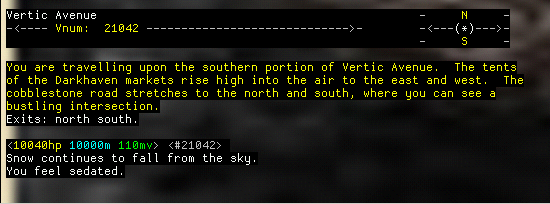
Well I think it just looks unuseably silly if you don't have the standard background colour (black) as transparent, see below:

Compare to:

Amended on Fri 12 Sep 2008 07:33 AM by Nick Gammon
Netherlands #2
I am not talking about the background color. I'm talking about the foreground color black appearing as transparent and being totally unnoticable.

(It is unnoticable with a black background too, but imo that's a side-effect of things being as they are and black not showing on black.)
Amended on Fri 12 Sep 2008 11:18 AM by Worstje
Australia Forum Administrator #3
Quote:

The background color is not drawn at all, causing black text to be drawn transparently.


The transparency routine doesn't know the difference between foreground black and background black. If you want to draw text that "looks black" choose a very dark grey, eg. 0x010101


Netherlands #4
Ah, okay. I changed the ANSI Black (normal) color to the 0x010101 as you suggested, and it seems the black text does show properly now. :) Thanks.